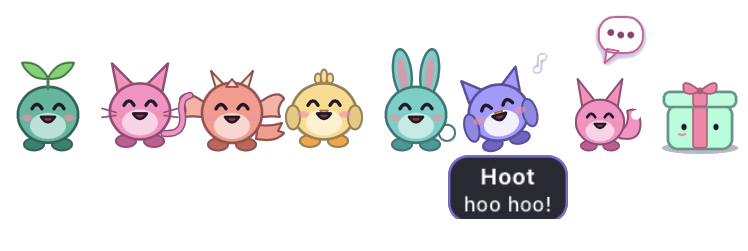
The little Mint in the corner of every page acts out the examples marked ▶ try. Click one:
show me a heart
do a loop the loop
chase a star
put your sunglasses on
go a little up
go back
Talking to Mint
Wake it, talk over it, stop it, type to it. Captions, the chat, and changing how it behaves.
The orb at work
The orb turns into whatever it is doing, then shows a ✓ or ✗. What every animation means.
Apps, files, web, browser
Clicking and typing, files, web search, full browser control, menus, screenshots, the clipboard, long tasks.
Showing you things, and tricks
Boxes, underlines and arrows on anything on screen. Moving on command, and eight tricks.
Expressions and voices
Fourteen expressions, teasing, and thirty voices with any speaking style.
Agents and critters
Background helpers that pop out of a toy box, ask you questions, team up, and put on a show.
Skills and memory
How-tos Mint learns and ranks, and the facts it remembers about you.
Your voice
The wake word, training your voice, the voice lock, and words it gets wrong.
Settings, sharing, safety
Every setting, being visible in Google Meet, quitting, and the rules Mint never breaks.
- Install.
./set-key.sh(your Gemini key),./install.sh, thenopen ~/Applications/Mint.app. Details on the Reference page. - Allow it. Microphone first, then Accessibility from the menu bar icon, so Mint can click and type.
- Say “Hey Mint”, or press ⌘J and type. Ask for anything below.
- Train your voice (menu bar ▸ Train my voice…, two minutes) so only you can wake it.